Camera
Teleprompter with Camera
Your words scroll on top of your own camera view, so you can read and film in one window.
Placement
Where to put the script
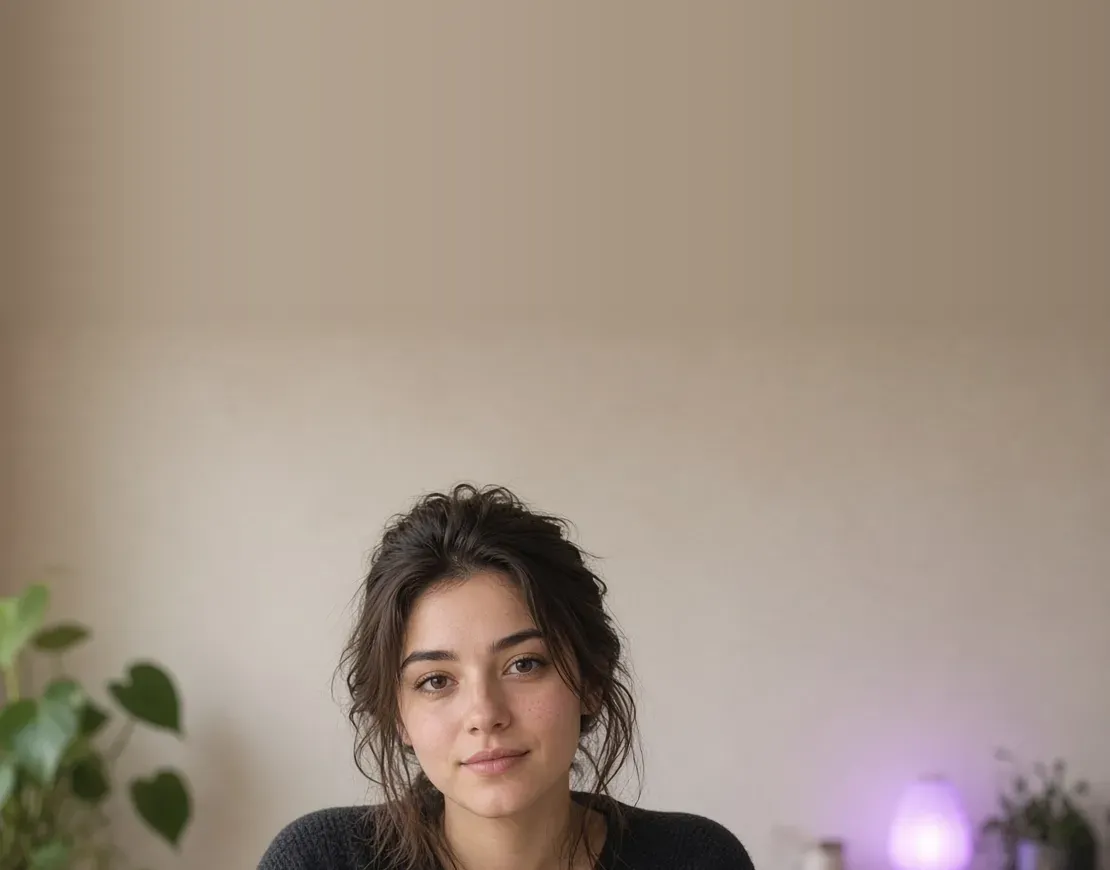
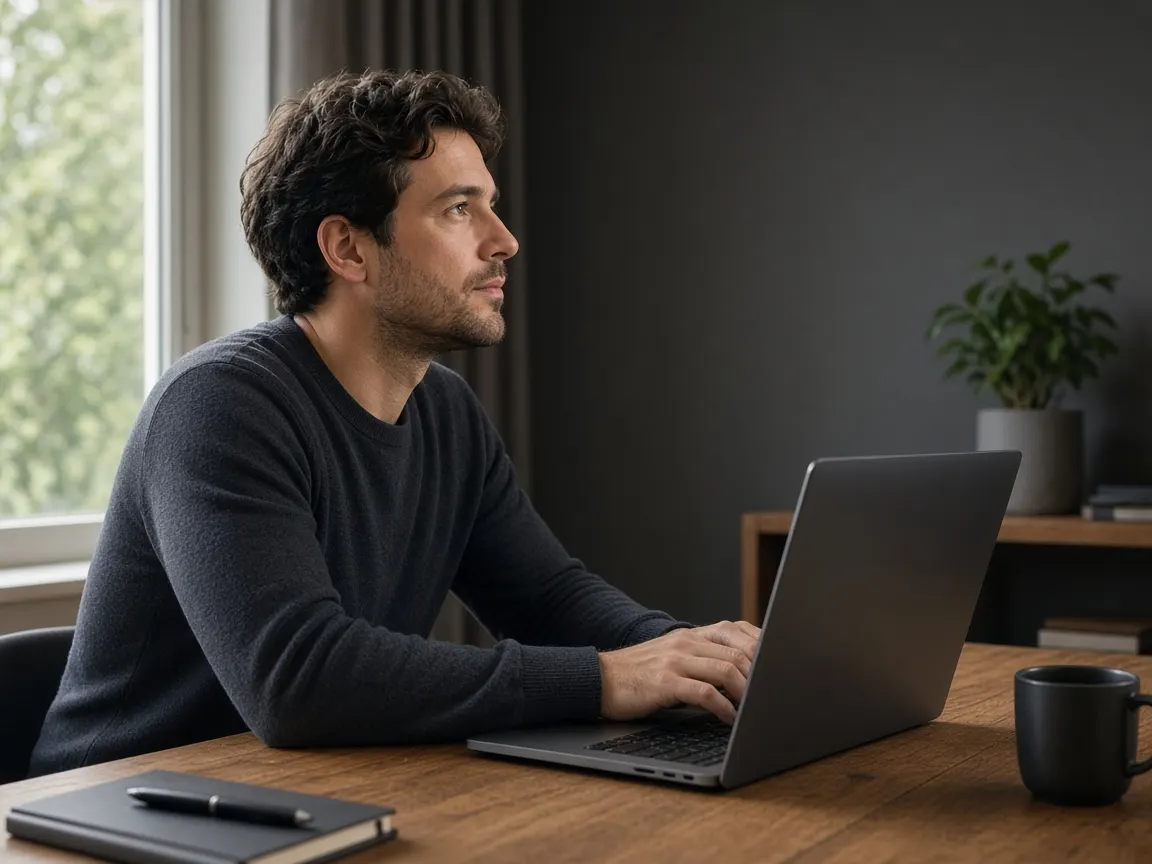
Your eyes should travel as little as possible between the text and the lens. Keep the browser window at the top of the screen, directly below the webcam, and narrow the text column so each line stays close to the centre. Sit an arm's length or more from the screen: the further away you are, the smaller your eye movements look on video. Larger text lets you sit back without squinting.
Steps
Allow the camera
Open the page, paste your script and let the browser use your camera and microphone when it asks.
Set up the shot
Choose text size and scroll speed, then check the preview for framing: eyes about a third from the top, a little space above your head.
Count down and talk
Press record, wait for 3-2-1, and read. Stop when you finish.
Eye contact
Looking at the viewer, not the page
Read from the top few lines of the text area; that is the part nearest the lens.
Slow the scroll a little below your natural pace so you never chase the words.
Glance up into the lens at the end of key sentences, the way you would look up from notes.
Face a window or put a lamp behind the screen so your eyes are well lit and easy to read on camera.
Do one practice run without recording to find a speed that feels relaxed.
After recording
What you get when you stop
In Chrome, your take is saved as a WebM file, named like teleprompter-<date>-<time>.webm. You can download it without creating an account. Many editors and upload sites prefer MP4: our converter turns a WebM up to 40 MB into MP4. That conversion runs on our server and the file is deleted right after.
FAQ
Do I need an account to record?
No. You can record and download as a guest.
What format is the recording?
In Chrome, it's saved as a WebM file. Other browsers may save a different format.
How do I get an MP4?
Open the converter and choose MP4. Files up to 40 MB are converted on our server and deleted as soon as the job is done.
Why is my camera not showing?
The browser needs permission. Check the camera icon in the address bar, allow access, and close other apps that may be using the camera.
Is there a countdown before recording starts?
Yes. A 3-2-1 countdown runs so you can settle before the first line.